

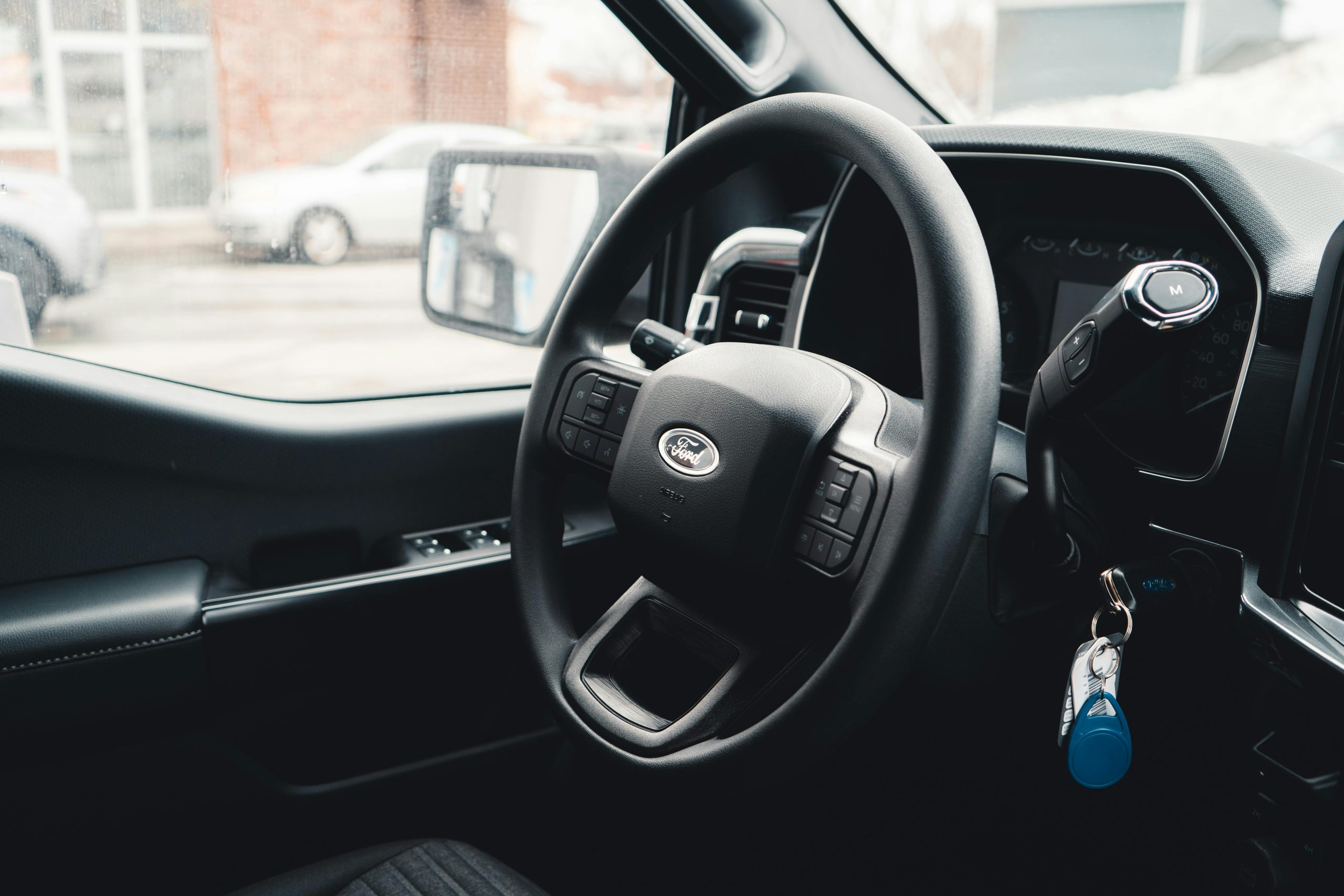
A key fob makes life with your Ford easy, but it’s such a pain when that Ford key battery is low or dead. Don’t stress because swapping out that battery is quick, costs next to nothing, and you can do it at home in a few minutes. At John Kennedy Ford Conshohocken, Pennsylvania, we’ve put together this guide to show you how to change your Ford key fob battery, including some handy tips for keeping it working well.
Understanding Your Ford Key Fob
That little remote on your keychain is a pretty smart device. Your Ford fob lets you lock and unlock doors without fumbling for keys, pop the trunk while carrying groceries, and start your car from inside on freezing mornings. It’s not only about saving time; remotes add that extra security layer that traditional keys can’t match.
Some Ford models have added some cool features to their key fobs. Imagine sitting at your desk when dark clouds roll in and you click a button and your car windows close. These nifty extras make daily driving less of a hassle and more enjoyable.
How do you know when your Ford key battery needs replacement? There are a few warning signs to watch for. Normally, your fob should work from 30 to 50 feet away, but if you suddenly have to stand right next to your car for it to respond, you’re mashing buttons repeatedly, or there’s a lag between clicking and action, it’s likely time for a new battery.
Preparing To Change Your Battery
It’s necessary to get a few things ready before we explain how to open your Ford key fob. These are the items you’ll need:
- Small flathead screwdriver
- New battery — CR2032 or CR2025 — check your car’s manual for the battery type
- Clean lint-free cloth
- Tweezers
- Small 1.4 mm or 2.4 mm precision screwdrivers
Before cracking open your fob, wipe it down. Handle your new battery carefully, touching the edges only, as your fingerprints contain oils that can mess with the battery’s contact points. These simple steps stop dirt from sneaking inside, where it could cause problems. Please don’t chuck the old battery in the trash; dispose of it following the regulations in your area.
Step-By-Step Guide To Changing the Battery
Press the button to pop out the metal key. You’ll be able to see a small gap or seam in the plastic case. Slip your flathead screwdriver into the gap and twist gently until the two halves separate. Be patient because rushing this step risks you cracking the plastic or damaging something inside.
When you see the battery, make sure to take notice of the way it’s facing. Either take a mental snapshot or grab a pic with your phone. Carefully pry out the old battery — the tweezers can help. Place your new battery in the same position. Most CR2032 and CR2025 batteries have a “+” marked on one side, which typically faces upward in Ford fobs. Make sure the battery is completely flat and doesn’t wiggle around.
Align the halves of the fob and press them together gently until you hear a click. Slide the key blade back into position, press each button on your fob to check they’re all responding, and walk a short distance away and test again. If everything is working, congratulations, you successfully changed your Ford key fob battery.
Troubleshooting Common Issues
If it’s not working, here are some common issues that can cause problems. First, check that your battery is correctly inserted, not upside down. If that’s not it, inspect your fob closely for hairline cracks or water damage. A hard drop or accidental washing machine trip causes internal damage no battery swap can fix.
If your battery orientation is correct and there’s no visible damage, try moving to a different location because nearby electronics can jam your fob’s signal. Your neighbor’s garage door opener, security systems, or those cool LED lights might be the culprits. If there’s still nothing, a reset might help. The exact button combo varies by Ford model and can be found in your owner’s manual. It typically involves holding down specific buttons for several seconds.
Maintenance Tips for Your Ford Key Fob
A little TLC goes a long way. Rule number one is to keep it dry because remotes don’t play well with water — rain, pools, and washing machines are bad news. Watch temperature extremes, as fobs left in a hot car or forgotten in the icy cold can cause their battery to drain faster and damage electronic components. When not in use, store your fob away from other keys and metal objects.
As for cleaning, less is more. A soft, slightly damp cloth works wonders on dirty exteriors. Skip harsh cleaners that might seep inside or damage the plastic casing. If the buttons feel sticky, a gentle pass with a wooden toothpick around the button edges often clears gunk. Don’t fidget with your fob or click buttons out of habit, as each press drains the battery a little more.
Battery life can vary between drivers, with the average ranging between two to three years. Some folks manage a decade from a single battery, while others burn through one annually. Battery life depends on usage patterns and fob features because a keyless entry system battery works harder since it’s constantly communicating with your car. Mark your calendar for a yearly battery check — it beats getting stranded when your fob suddenly quits.
Keeping Your Ford Key Fob Running Smoothly
Changing your key fob battery is a simple fix that can save the hassle of dealership visits or service fees. Most battery swaps go smoothly, but you might hit a snag that means you need professional attention. For those times, our technicians at our service center have your back. We know every inch of your Ford vehicle and can sort out anything from tricky key programming to major repairs. Schedule service online, drop by, or contact us when you need a helping hand. We’re ready to get you back on the road.
Connect with us


- August 2026
- July 2026
- June 2026
- April 2026
- March 2026
- February 2026
- January 2026
- December 2025
- November 2025
- October 2025
- September 2025
- August 2025
- July 2025
- June 2025
- May 2025
- April 2025
- March 2025
- February 2025
- January 2025
- December 2024
- November 2024
- October 2024
- September 2024
- August 2024
- April 2024
- March 2024
- February 2024
Archives
- 2026
- Best Years
- Brand vs. Brand
- Conshohocken Ford Dealer
- Conshohocken Ford Service
- Ford Accessories
- Ford Bronco
- Ford Bronco Sport
- Ford Edge
- Ford Escape
- Ford Expedition
- Ford Explorer
- Ford F-150
- Ford F-250
- Ford F-59
- Ford Maverick
- Ford Mustang
- Ford Ranger
- Ford Raptor
- Ford Tremor
- How-to
- Interior
- Local
- Reliability
- Towing
- Uncategorized